Your Smart Building Is Connected. Is It Vulnerable?
How to Make Your Home or Office Building More Digitally Resilient

Smart buildings promise lower energy use, greater comfort and more control, but they also increase dependence on electricity, connectivity and digital systems.
That dependence creates new vulnerabilities, especially as cyberattacks become more sophisticated and AI makes some attacks easier to automate. At the same time, connectivity, software and utilities can fail, and extreme weather or geopolitical disruption can interrupt power supplies.
With such a heady mix of potential risks, the key question for building owners is much simpler: “If the technology your home or building depends on suddenly stops working, what happens next. Let’s find out.
Smart Buildings: New Weaknesses
Modern buildings (both residential and commercial) increasingly combine previously separate systems into interconnected networks. Heating, ventilation and air conditioning (HVAC), lighting, security, electricity monitoring, fire protection, elevators, appliances and access control can all be incorporated into building automation or management systems.
Beyond convenience, there are very good reasons for doing this. Smart controls can substantially reduce wasted energy by adjusting heating, cooling, and lighting according to occupancy and demand.

Get the Green Building Project Checklist
Use this handy checklist on your next project to keep track of all the ways you can make your home more energy-efficient and sustainable.
When it comes to potential cyberattacks, the problem is not the smart technology itself, but rather allowing smart technology to become a single point of failure. A conventional thermostat, for example, performs a relatively simple task.
A smart thermostat, on the other hand, will be able to talk with a smartphone app, cloud server, occupancy sensors and other equipment. That creates useful functionality, but also raises a basic resilience question: What happens if one of those connections disappears?
Ideally, the answer should be “not very much.” The thermostat may lose remote control or optimization features, but occupants should still be able to adjust the temperature locally, and the underlying HVAC equipment should continue operating.
But what if something more mission-critical is the victim of an attack?
WATCH | What is a Smart Building?
Back to Basics

The first step towards digital resilience is identifying systems that occupants genuinely cannot afford to lose. HVAC is an obvious example.
Loss of heating during extreme cold or cooling during extreme heat can quickly become more than an inconvenience, particularly for vulnerable occupants, for whom it could become a life-threatening problem.
Where smart HVAC controls are installed, owners are well advised to figure out whether the equipment can still be operated locally if the internet connection, building network or cloud service becomes unavailable.
The same principle applies to water systems, electrically operated shades or windows, lighting and other essential equipment.
That said, efficient buildings can actually be more resilient because good insulation, airtightness, shading and other passive measures allow them to remain habitable for longer when mechanical systems fail.
The moral of the story? Avoid designing a building where software is the only way of performing an essential function.
Think Carefully About Smart Locks
Keeping unwanted people out is a basic concept of security for any building. Traditionally achieved using mechanical locks, electronic access control is now a basic essential for many commercial buildings.
Large facilities may need to manage hundreds or thousands of users, making conventional keys impractical. Homes, however, are different.
But adding internet connectivity to a front door is something you should really think twice about. Anyone installing a smart residential lock should understand what happens when its battery dies, the home’s electricity fails, the internet disappears or the manufacturer’s service becomes unavailable.
Ideally, there should be a physical means of entry that does not depend upon electricity, a smartphone or a remote server. That might mean choosing a smart lock incorporating a conventional key cylinder or retaining another secure entrance with a mechanical lock.
Commercial buildings, on the other hand, require a more sophisticated approach. Electronic access systems may be unavoidable, but emergency procedures and appropriate mechanical overrides should prevent a network or power failure from trapping occupants or preventing authorized personnel from entering critical areas.
Don’t Keep All Your Eggs in One Basket
One compromised device should not provide an easy route to everything else in a building. That’s why something called “network segmentation” can help prevent that.
In a home, the solution can be as simple as putting Internet of Things (IoT) equipment (like smart thermostats, cameras, plugs, appliances and similar devices) on a separate wifi network from laptops, phones and computers containing sensitive information.
You can liken this to compartmentalization on ships that help prevent catastrophic flooding, and ultimately foundering. Many modern routers already provide guest networks that can help create this separation.
Commercial buildings require a more sophisticated approach, however. Building automation and operational technology networks should generally be isolated from ordinary corporate IT systems, with connections between them restricted to those actually required.
The objective is containment. If one device or network is compromised, an attacker should not automatically gain access to every connected system in the building.
WATCH | What is Network Segmentation?
Keep Your Secrets to Yourself
Keep firmware and software updated, particularly when manufacturers release security fixes. Before buying connected equipment, also consider how long the manufacturer promises to support it.
A furnace or air-conditioning system may remain in a building for 15 or 20 years. A cloud-connected controller attached to it may not receive software support for nearly as long. That mismatch matters.
Owners should ask whether the equipment can continue operating without its cloud service and whether the manufacturer has a clear policy for security updates. Wherever possible, the failure of an app or disappearance of its manufacturer should reduce functionality, not render otherwise serviceable equipment unusable.
WATCH | Your Smart Home Is Stupid – IoT Security Explained
Make Yourself Offline Resilient
It is advisable for any building manager to walk around a site and ask which systems depend upon an external connection.
Can you adjust the heating without an app? Do lights still operate from physical switches? Can security equipment function locally? Can doors be opened? Can energy systems operate without contacting a remote server?
Commercial facilities should go further and identify which building-management functions depend on remote platforms, along with procedures for operating equipment locally during an outage.
Local control is especially valuable for critical systems. Cloud connectivity can provide powerful analytics, remote monitoring and energy optimization, but it should ideally enhance a building rather than become necessary for its basic operation.
WATCH | Protect Against Network Outages: Ensuring Uninterrupted Connectivity for Your IoT Devices
Failing to Plan is Planning to Fail
For all the planning and fail-safes you can think of, ultimately any “smart” device (and building) needs power to work. If that is lost for whatever reason, everything else necessarily becomes secondary.
To help prevent this, the first step does not necessarily mean generating your own electricity. Small uninterruptible power supplies (UPS) can keep routers, communications equipment, security systems and other low-power critical devices operating through short outages.
But longer power cuts will require something a little beefier. Homes and commercial buildings with solar panels may consider adding battery storage.
Importantly, a standard grid-connected solar array will not continue powering a building during an outage unless it has been specifically configured for backup operation. Most conventional systems automatically shut down when grid power disappears to prevent electricity from flowing back onto utility lines and endangering repair crews.
Systems designed with appropriate battery storage and islanding capability can disconnect from the utility and operate independently, allowing stored or locally generated electricity to continue supplying selected loads.
For those seeking greater resilience, this can be taken further towards partial or complete off-grid operation. However, doing so requires substantially more planning, as the system must be sized to meet energy needs during prolonged periods of low solar generation, particularly in winter, without relying on the grid.
That does not necessarily mean backing up everything. A resilience system might prioritize refrigerators, communications, essential lighting, pumps, medical equipment and selected HVAC loads rather than attempting to run the entire building normally.
Don’t Rule Out Backup Generators
Generators provide another useful option worth considering for backup power, and remain common in commercial facilities. For homeowners, however, batteries are increasingly attractive because they require no stored fuel, operate quietly and can be combined with rooftop solar.
That said, generators nevertheless remain a viable option, particularly where extended outages are possible, or very large loads must be maintained.
Any permanently connected generator requires appropriate transfer equipment and professional installation. Portable generators also create a serious carbon monoxide hazard and must never be operated inside a home, garage or other enclosed space.
Whatever technology is chosen, the important consideration is not simply having backup generation but deciding which building functions actually need backup power.
Learn more about generators in Home Generators Explained and Gas vs Solar Generators
Don’t Forget Passive Resilience
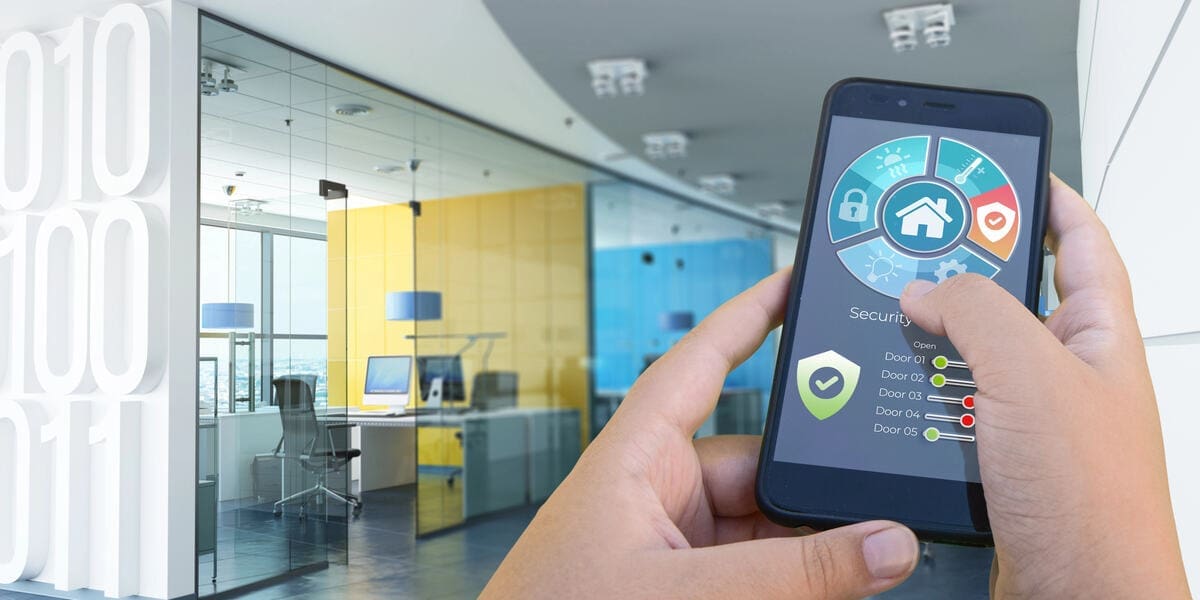
Insulation, airtightness, exterior shading, natural ventilation and high-performance windows can slow how quickly a building becomes dangerously hot or cold without HVAC, a concept sometimes called passive survivability.
It also demonstrates why energy efficiency and resilience frequently complement each other. A building that needs less energy to remain comfortable requires less backup power during an outage.
Instead of installing an enormous battery capable of operating an inefficient building normally, reducing the building’s underlying energy demand may allow a smaller backup system to maintain essential conditions for considerably longer.
Design for Graceful Failure
At the end of the day, “smart” cyber-resilience doesn’t mean rejecting smart technology or turning buildings into off-grid bunkers. Rather, systems should be designed to fail gracefully.
Ultimately, a cyberattack shouldn’t be able to disable the heating, nor should a cloud or wifi outage prevent basic controls from working. Combining smart technology with local controls, manual overrides, network security and backup power can keep essential functions running when technology fails. Ultimately, resilience means planning for failure so occupants can carry on when it happens.
Images from Depositphotos