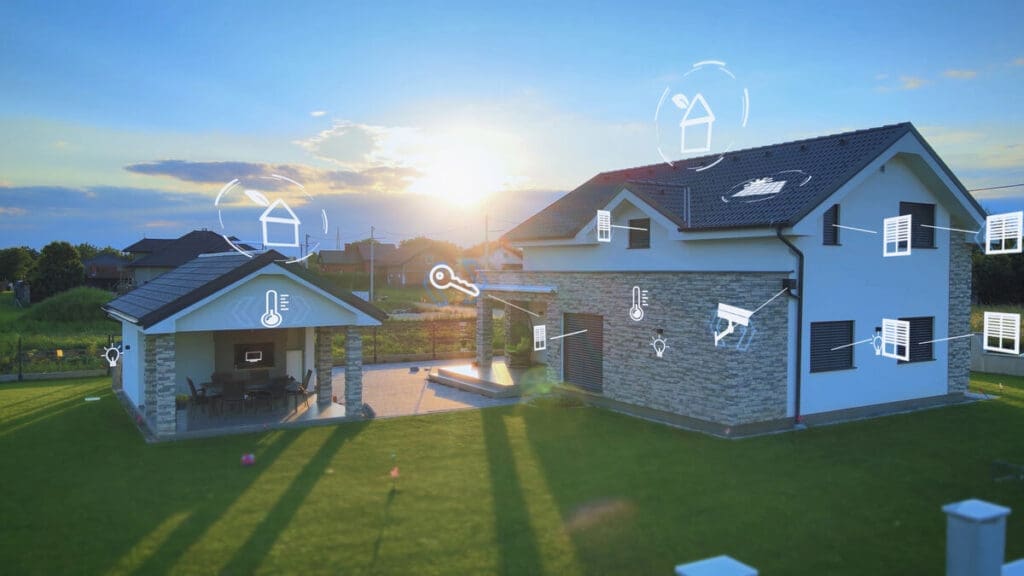
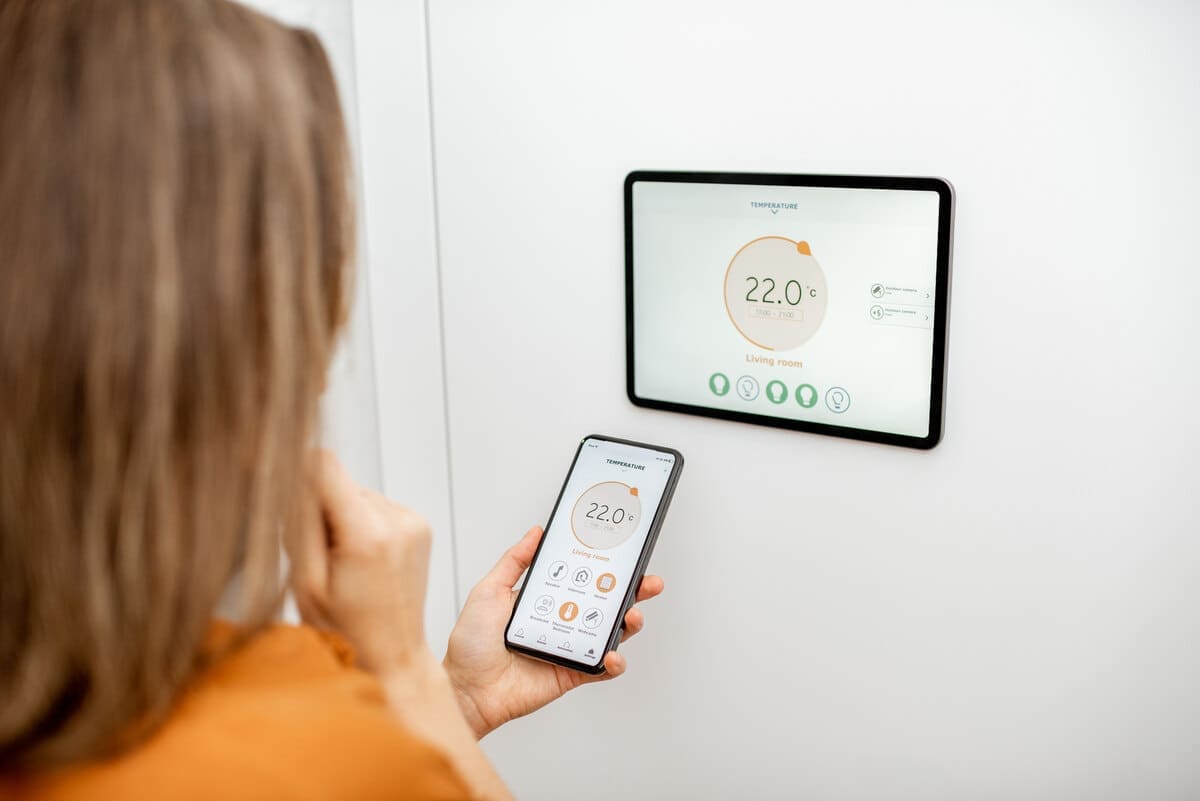
Picture this: you’re relaxing on your sofa after a long day, telling Alexa to dim the lights, lower the thermostat and start your favourite playlist. Then… boom. The Wi-Fi dies. Suddenly, your voice assistant goes silent, your smart lights stop responding and your thermostat stubbornly ignores you. It’s like your home just went from “Jetsons” to “Flintstones” in a matter of seconds.
Smart homes promise convenience, automation and energy savings. But what happens when the very thing they rely on – constant internet connectivity –vanishes? In an age where even our light bulbs need wifi, it’s a question every homeowner should be asking.
This article dives into what continues working in a smart home during an internet outage, what doesn’t, and how to build a resilient setup that’s not completely paralyzed when the cloud disappears.
Why So Many Smart Devices Need the Internet
Smart devices are often marketed as seamless, intelligent and autonomous –but in reality, many of them are highly dependent on cloud servers.
Why? Because the “brains” of many popular smart products (especially budget ones) don’t live in the device itself. Instead, they reside in remote data centres. So when you give a voice command, it doesn’t get interpreted by your smart speaker right there in the room. Instead, the audio is sent to the cloud, processed by an AI, and then a command is sent back to your home.
This works beautifully – until your connection drops. Then you’re stuck with a device that suddenly can’t understand basic instructions or even toggle on and off.
What Still Works Without the Internet?

Get the Green Building Project Checklist
Use this handy checklist on your next project to keep track of all the ways you can make your home more energy-efficient and sustainable.
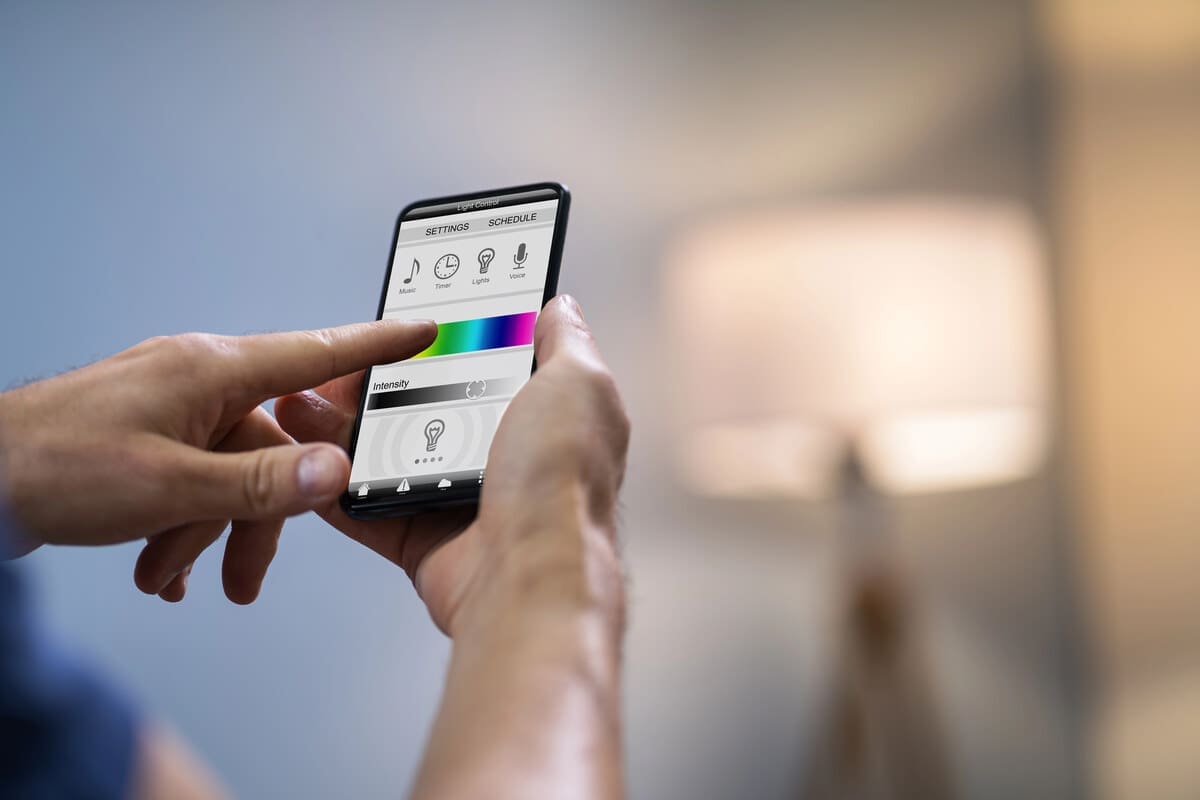
Fortunately, not everything grinds to a halt. Some smart devices can still function locally, depending on their design.
Smart lights (some) – Brands like Philips Hue use a central hub (called a bridge) that communicates via Zigbee – a low-power mesh network. As long as your smartphone and bridge are on the same local Wi-Fi, you can still control the lights.
Smart thermostats (some models) – Devices like the Ecobee retain local functionality, allowing manual temperature control and running on pre-programmed schedules.
Smart locks – Many support Bluetooth access or keypad codes even if cloud connectivity is down.
Security cameras with SD card storage – These can continue recording locally, even if cloud uploads are paused.
Local voice assistants (a rare breed) – Most voice assistants rely on cloud processing, but new AI models are emerging that can interpret basic commands locally.
What Breaks When the Internet Goes?
The weakest links in your smart home are those completely reliant on the cloud. Here’s what typically stops working.
Voice assistants (Alexa, Google Assistant, Siri) – Without an internet connection, they often can’t process commands or respond.
Cloud-only smart plugs and switches – These budget-friendly devices often rely entirely on remote servers. Without the internet, many won’t even respond to app commands.
IFTTT automations – “If This Then That” automations generally operate through cloud services. No internet = no triggers.
App control for cloud-dependent devices – Even if you’re on the same network, some devices won’t respond without reaching out to the cloud first.
The Smart Home Outage Test: Are You Over-Relying on the Cloud?
Take a minute to mentally walk through your home: Could you turn on lights, unlock doors, or adjust heating if your wifi router failed or the internet went down for a few hours or a few days?
If the answer is “no,” your smart home may not be as “smart” as you think. In fact, it might be dangerously dependent on outside servers.
Here’s how to test:
- Turn off your router (disconnect the internet only, not the local Wi-Fi).
- Try to use key smart devices from your phone, over your home network.
- Try voice commands.
- Try scheduled automations (e.g., “turn on porch light at 7 p.m.”).
- See which features work and which fail.
It’s an eye-opening exercise and it may inspire you to think more strategically about how your home is built.
How to Make Your Smart Home More Resilient

If you want your home to stay functional even when the internet goes down, here’s what to look for and implement:
Prefer Local Control
Choose products that can operate over your local network. Look for Zigbee or Z-Wave devices with a hub, Matter-compatible devices (a new standard focused on local control) and wifi devices that support LAN (Local Area Network) access.
Look for Hybrid Voice Assistants
While most voice assistants rely heavily on cloud AI, some newer models from brands like Apple and Google are starting to perform basic commands locally.
Use a Local Hub
Smart home hubs like Home Assistant or Hubitat keep data and automations inside your home. They can handle many automation tasks locally – even when the internet goes down.
Keep Manual Options
Always choose devices with physical or manual control fallbacks. For instance: Smart thermostats with onboard controls, light switches that work the old-fashioned way, smart locks with keypads or keys.
Back Up Your Internet (If You Can)
If staying online is crucial, consider a cellular hotspot or backup internet option. Some routers allow failover to a 4G or 5G connection. An eSim enabled device could make this easier, allowing seamless switching between carriers in case one network fails.
When the Smart Becomes Dumb
The very convenience that makes smart homes attractive – remote control, automation, AI assistants – can also be a point of failure. When the internet goes out, you’re reminded that these connected devices are often only as “intelligent” as their cloud connection allows.
However, by planning ahead and investing in devices that prioritize local functionality, you can ensure your home stays usable even when your broadband isn’t. Think of it like this: a truly smart home isn’t just one that does tricks when everything works perfectly—it’s one that keeps working when things go wrong.
Whether you’re a homeowner just starting your smart journey or a tech-savvy renovator planning an upgrade, building resilience into your smart home is the smartest decision of all.
Images from Depositphotos