
How to Protect Your Smart Home From Cyberattacks


Connected living is convenient, whether it comes in the form of TVs, security cameras, thermostats, voice assistants or other devices. But, behind this convenience, there’s a growing concern that the gadgets and the networks they rely on are susceptible to cyberattacks. Fortunately, there are some easy-to-implement solutions that don’t require a degree in computer science.
Why Smart Homes Are Attractive Targets

Let’s explore the biggest risks to your home network and the most common security mistakes most of us make daily.
IoT Device Vulnerabilities
Most IoT products are built to perform, not to be secure. Many don’t use good encryption or are delivered with default usernames and passwords that homeowners never change. When you connect these devices to your home wi-fi, they become vulnerable. Not all IoT devices support enough software updates, so their vulnerabilities remain unfixed.

Get the Green Building Project Checklist
Use this handy checklist on your next project to keep track of all the ways you can make your home more energy-efficient and sustainable.
Data Breaches and Ransomware
If you use a poorly secured router, an outdated smart device or open a phishing email on your laptop, it’s enough to give hackers access to your home network. Once inside, they quietly gather login credentials, steal files or install ransomware that locks your devices until you pay the ransom. You often don’t notice these breaches until it’s too late.
To give you an idea of how prevalent this is, the Canadian Anti-Fraud Centre reported 108,878 fraud reports in 2024. The total report of losses amounted to more than $638 million. Most of them started with phishing emails, malicious links and remote access schemes, which can target anyone who surfs the internet.
Unsecured Networks
All your linked devices depend on your home wi-fi. If it lacks reliable security measures or has outdated security protocols (WEP instead of WPA2/WPA3), attackers within range can intercept your data and take over your smart devices.
Lack of Awareness and Default Settings
The greatest danger might not lie in the devices, but in their usage. We often don’t realize that our smart home devices gather lots of sensitive information. Hackers can use compromised devices with microphones, cameras or always-on cloud connectivity to spy on you.
Easy Ways to Secure Your Home Network
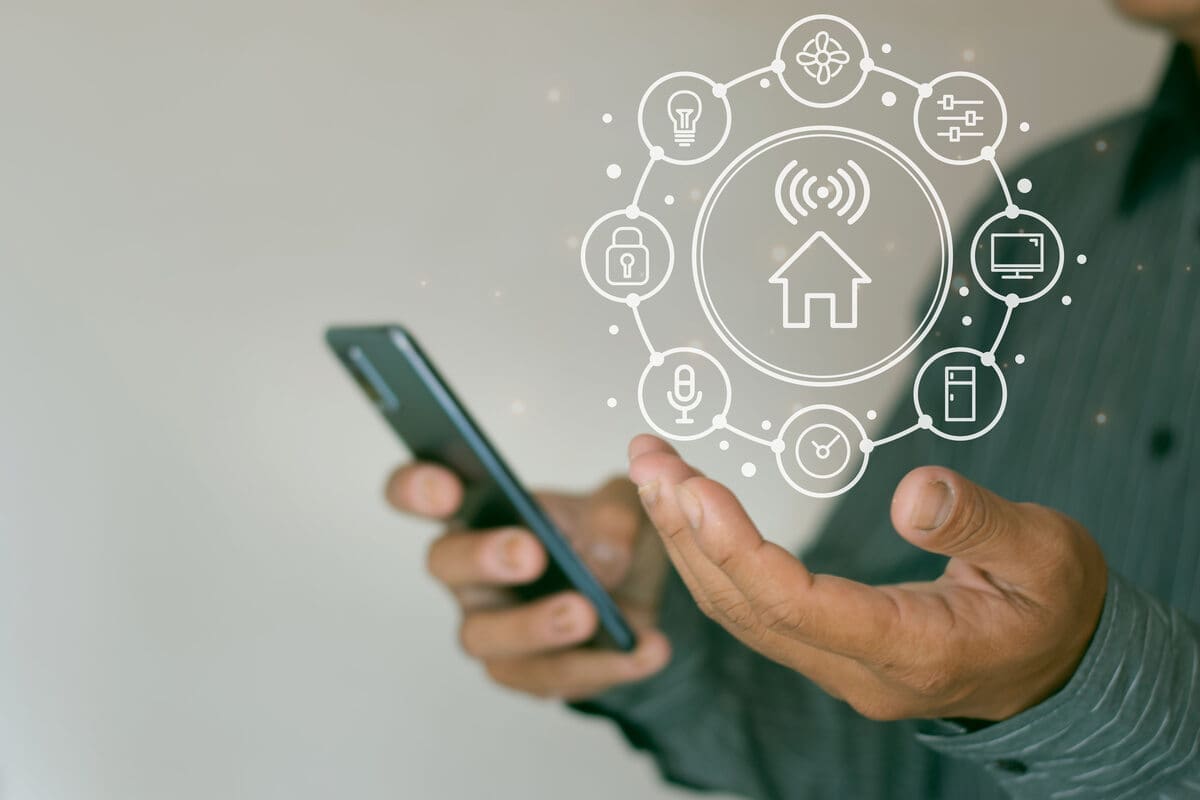
You don’t need to be a cybersecurity expert to protect your smart home. These simple, practical steps can make a big difference in protecting your sensitive data and connected devices.
Use a Virtual Private Network
This tool is one of the easiest and most effective ways to protect your home network. A VPN will encrypt and secure all the internet traffic on your devices, hide your IP address and protect you from prying eyes on unsecured networks. By installing a VPN on your router, all of your gadgets will have extra security and privacy without the need to configure each device separately.
Not all VPNs are built the same. Some log your data, others slow your connection to a crawl and only a handful deliver true privacy and performance. The ones that are widely considered the best VPN usually share a few standout traits that make them worth the investment. Here’s what to look for before installing one:
Ease of use – Look for user-friendly software and 24/7 client support.
Router compatibility – Choose a VPN that supports installation on home routers.
Privacy protections – Choose a provider with verified no-logs policies, AES-256 level of encryption, and the newest protocol, such as WireGuard.
Server selection – Wide coverage contributes to higher speeds when streaming and gaming.
Multi-device support – Chances are, your home has several IoT devices, so a VPN must be able to support all of them.
Change Default Device Passwords
Default usernames and passwords on most smart devices are easy to guess, and automated hacking software can easily exploit them.
Create new login settings and use strong passwords including letters, numbers and symbols. Since more complex passwords are harder to remember, keep track of them using a password manager.
Update Firmware Regularly
It’s crucial to keep your router and other smart gadgets up-to-date. These updates include vital security that resolve vulnerabilities.
Use Guest Networks for IoT Devices
Some modern routers let you set up a dedicated wi-fi network for smart home gadgets. This network isolates IoT devices from your main network. Even if one is compromised, the attacker won’t automatically have access to your personal files or work devices.
Enable Network Encryption
The encryption protocol on your router will dictate the difficulty with which someone gains access to your network. The most recent and secure standard is WPA3, which provides even greater protection when an attacker figures out your password. If your router doesn’t support WPA3, ensure that at least WPA2 is enabled and consider upgrading if your current model is outdated.
Turn Off Features You Don’t Use
Many routers and devices come with enabled-by-default services like Universal Plug and Play (UPnP), remote management or WPS. Hackers can exploit all of these features. You need to disable anything you don’t actively use through your router or device settings.
Make Your Home Smart and Secure
Smart devices are meant to make your life easier, but without some preventive measures, they can be a backdoor to danger you never wanted. As a responsible homeowner, you must know how to step ahead of it. Protect your network using a VPN, use strong passwords and ensure your devices are always up-to-date. This way, you’re turning your home into a digital fortress.
Images from Depositphotos