
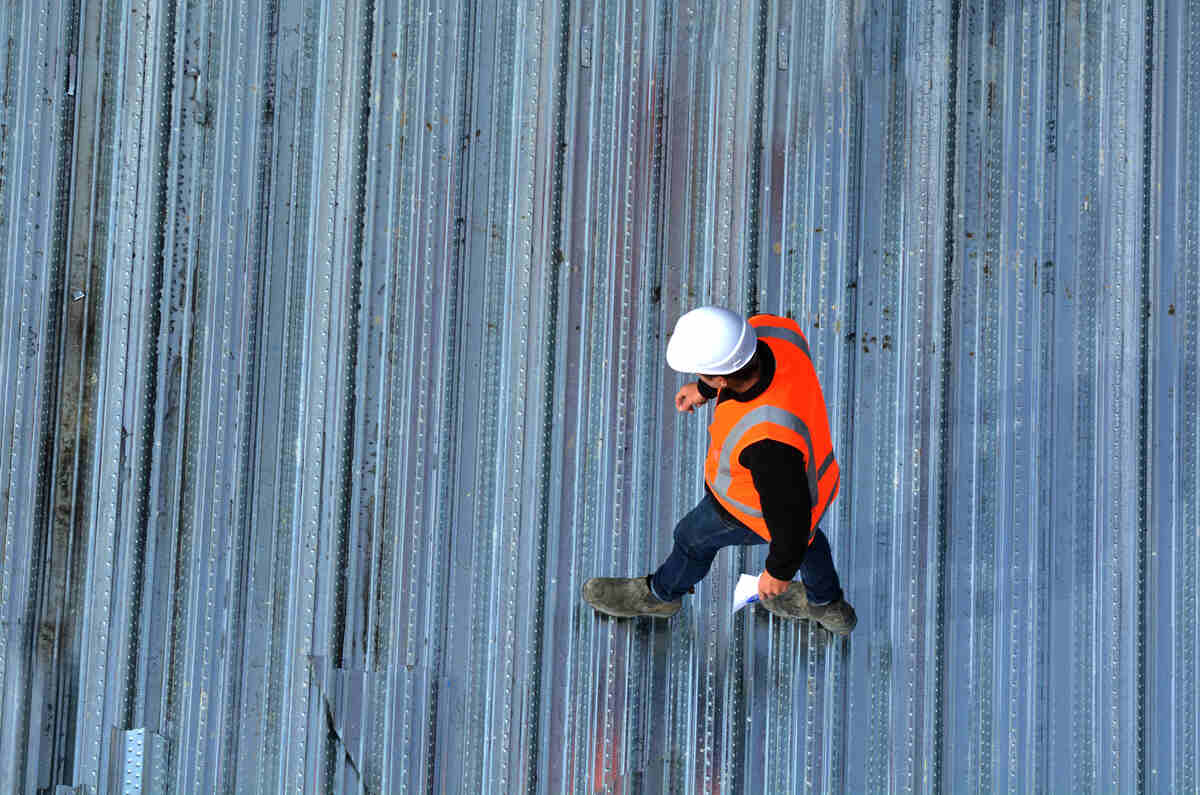
Inspections are the backbone of a safe and successful construction project. They ensure that everything from excavation to finishing touches complies with local building codes, health and safety regulations, engineering specifications and quality standards. Whether it’s a new condo development in downtown Toronto or a custom home build in rural Manitoba, inspections help keep workers safe, protect future occupants and minimize costly rework.
In recent years, the inspection process has undergone significant evolution. While clipboards, paper forms and verbal confirmations once dominated the job site, modern inspections now frequently rely on mobile apps, cloud-based platforms, and even AI-enhanced tools. Here’s a deep dive into how construction inspections are done today – and where the industry is headed.
Types of Inspections on a Construction Site
Inspections are scheduled at various stages throughout a construction project. The main types include building code, health and safety, quality control and specialty inspections.
Building Code Inspections – Conducted by municipal building inspectors to ensure compliance with provincial and national codes. These typically occur after key phases:
- Foundation inspection
- Framing inspection
- Insulation and vapour barrier
- Electrical and plumbing rough-ins
- Final inspection before occupancy
Health and safety inspections – Often conducted internally by the contractor or externally by safety officers. They ensure the job site complies with provincial occupational health and safety laws. These may be scheduled or random.
Quality control inspections – Performed by general contractors or subcontractors to meet client specifications and project standards. These can happen daily and focus on materials, workmanship and adherence to the project plan.

Get the Green Building Project Checklist
Use this handy checklist on your next project to keep track of all the ways you can make your home more energy-efficient and sustainable.
Specialty Inspections – These include geotechnical, fire safety, elevator, or HVAC-specific reviews, often done by certified third-party inspectors.
The Traditional Process: Challenges and Inefficiencies
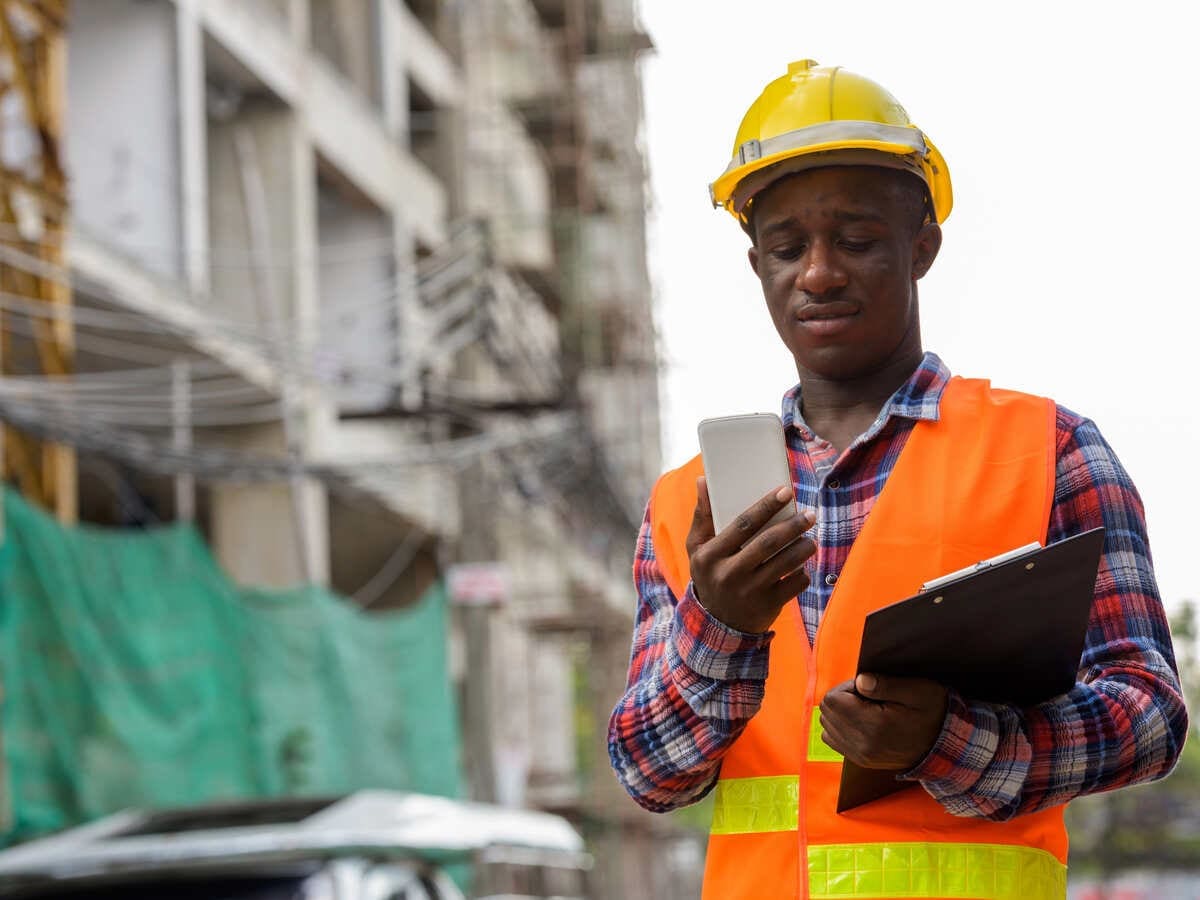
In the past, inspections relied heavily on paperwork. Inspectors carried clipboards and manually recorded observations on forms. Notes were filed at the trailer or sent to head office. Any deficiencies were communicated through emails or phone calls – sometimes taking days to reach the right subcontractor.
This traditional system had several drawbacks. Paper records could be easily lost or damaged, especially on busy or chaotic job sites. Communication between team members was often inconsistent, leading to confusion and missed tasks. As a result, corrections were delayed, which could slow down overall project progress. For clients or project owners, the lack of real-time visibility into issues and resolutions also meant less transparency and confidence in the process.
The Shift to Digital: Inspections in the Cloud
With today’s technology, inspections can be conducted in real-time using mobile apps on smartphones or tablets. This digitization improves both accuracy and speed.
How digital inspections work:
1. The inspector walks the site using a mobile device.
2. They check items off a digital checklist, take timestamped photos, and input comments.
3. Data syncs instantly to the cloud, where project stakeholders can review it.
4. Notifications or work orders can be triggered automatically for deficiencies.
These tools also enable inspectors to export data in formats required by building departments, making it easier to submit and track regulatory compliance.
Table: Comparison of Top Digital Inspection Platforms
| Tool Name | Key Feature | Monthly Cost (Starting at) |
|---|---|---|
| Fieldwire | Real-time team collaboration | $73/user |
| iAuditor | Customizable checklists & analytics | $24/user |
| Procore | Full project integration | $375/user |
| SiteDocs | Safety-focused & OHS compliant | $125/user |
| Bridgit Bench | Workforce & inspection sync | $ variable |
How These Tools Work Together
Cloud-based inspection systems are often part of larger construction management platforms. These connect scheduling, procurement and worker tracking with inspection data.
For example, when a deficiency is logged in iAuditor, it might automatically create a task in Fieldwire for the appropriate trade. Once corrected, a supervisor can verify and close the task, creating a digital audit trail. Everyone stays updated, even when working remotely or across different time zones.
To streamline calls and SMS during deficiency follow-ups, equip field leads with a Canadian virtual number that can be set up in minutes, centralizes updates and photos on a single work line, and presents local caller ID across provinces – ideal when crews rotate or work remotely.
Choosing a Durable Phone That’s Suitable for Construction

Construction sites are tough environments. Devices used on-site must be able to withstand drops, dust and moisture. Finding a phone that provides that added durability comes at an extra cost than a regular phone. However, durability saves you money in the end, as it is less likely to break, preventing you from having to repair or replace phones. There’s a range of options on this list. Whether you’re looking for high-end fully waterproof phones with thermal imaging or cheap phones with eSIM capabilities and basic features, there’s a range of options to choose from.
Some of the Best Durable Phones for Construction
| Phone Model | Key Strengths | IP/MIL Ratings | Battery Life | Notable Features |
|---|---|---|---|---|
| CAT S62 Pro | Thermal imaging, rugged build, trusted brand | IP68 / MIL-STD-810H | 4,000 mAh (up to 2 days) | FLIR thermal camera, washable, push-to-talk |
| Kyocera DuraForce Ultra 5G | Extremely tough, glove/wet use, carrier-backed | IP68 / MIL-STD-810H | 4,500 mAh (up to 2 days) | Loud speakers, programmable button |
| Samsung Galaxy XCover6 Pro | Rugged and mainstream hybrid | IP68 / MIL-STD-810H | 4,050 mAh (up to 2 days) | Removable battery, Samsung DeX |
| Unihertz Tank 3 | Extreme battery life, outdoor-focused | IP68 / MIL-STD-810H | 23,800mAh (~6 days) | Infrared night vision, loud speaker, 120W charging |
| Ulefone Power Armor 18T | Rugged with strong performance and thermal camera | IP68 / IP69K / MIL-STD-810H | 9600mAh (~2–3 days) | FLIR Lepton, 5G, 120Hz screen |
| Doogee V30T | Sleek rugged design with power-user features | IP68 / IP69K / MIL-STD-810H | 10,800mAh (~3–4 days) | 5G, eSIM, 120Hz display, Hi-Res audio |
| Oukitel WP33 Pro | Massive battery and utility-focused design | IP68 / IP69K / MIL-STD-810H | 22,000mAh (~5+ days) | Reverse charging, night vision camera |
| Blackview BL9000 | Flagship rugged phone with great specs | IP68 / IP69K / MIL-STD-810H | 8,800mAh (~2–3 days) | 120Hz display, dual 50MP cameras, MediaTek Dimensity |
MIL-STD-810H – U.S. military standard for resistance to drops, vibration, humidity and extreme temperatures
IP ratings – IP68/IP69K = fully waterproof
Without case – Phones like CAT S75 and Ulefone Armor 18T are designed for construction use without a case
Glove/Wet touch – Means the screen works even if you’re wearing gloves or it’s wet
Benefits of Digital Inspections
Faster response times – Digital inspections enable teams to flag issues in real-time, allowing for immediate repairs and adjustments, sometimes even before the crew leaves the site. This reduces downtime, minimizes disruptions and helps keep projects on track.
Accountability – With timestamped photos, GPS-tagged notes, and digital signatures, modern inspection tools create a clear record of who did what and when. This transparency facilitates the resolution of disputes with clients, subcontractors, or regulators, promoting a culture of accountability and responsibility.
Compliance – Inspection software can be customized to meet local building codes, health and safety regulations and industry standards. As laws evolve, digital templates and checklists can be quickly updated, ensuring your team stays compliant without extra paperwork or guesswork.
Data-driven decisions – Aggregated inspection data reveals patterns such as recurring defects in specific materials or frequent delays in certain tasks. These insights enable managers to proactively address root causes, enhance processes and mitigate risk over time.
Looking Forward: AI, Drones, and Augmented Reality

As construction sites continue to embrace digitization, a wave of new technologies is reshaping how inspections are carried out. Drones, for example, are already making high-elevation inspections safer and more efficient. By capturing detailed aerial images and videos, they allow teams to assess roofs, scaffolding and other hard-to-reach areas without putting workers at risk.
Artificial intelligence (AI) is also playing an increasingly significant role. Advanced algorithms can analyze vast volumes of inspection checklists and reports to identify patterns or potential safety gaps that might otherwise go unnoticed. This helps supervisors and safety officers prioritize issues before they escalate into costly delays or hazards.
Meanwhile, augmented reality (AR) tools are emerging as the next frontier in inspections. These systems can overlay digital information onto physical environments during walkthroughs, visually guiding inspectors through tasks and flagging missed items in real-time. As these technologies evolve, they promise to make inspections more accurate, proactive and intuitive than ever before.
Inspections are no longer a bottleneck in the construction process. With mobile apps and real-time data syncing, today’s job sites are safer, more efficient and better documented than ever before. As technology advances, inspections will continue to evolve, empowering everyone on site to play a role in delivering better, safer buildings.
Images from Depositphotos
